
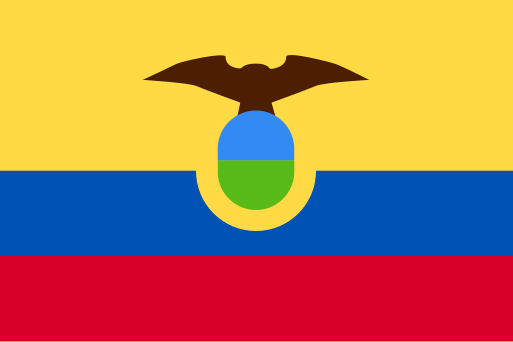
Ecuador eSIM
Stay connected in Ecuador with plans starting from $4.25

What's included
1 network
- Claro4G
Starts when you connect
The plan begins on your first connection to a supported network, not at purchase.
Instant delivery
Your QR code goes straight to your email.
Top up anytime
Running low? Add more data in a few taps.
Ecuador eSIM Data Speed
- Speed
- Fast for everyday apps~198 ms added
- Your data breaks out in Singapore, around 19,786 km from Ecuador, adding roughly 198 ms of travel time. Browsing, maps, messaging and streaming are unaffected, though video calls and online gaming may feel slightly delayed. In return, this is the lowest price we can offer for Ecuador.
- Networks
- Claro4G
- Routed via
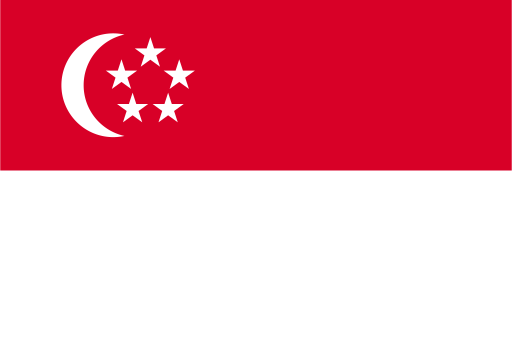 Singapore~19,786 km
- Works well with
Estimated from the distance between Ecuador and the breakout country. Real-world latency also depends on the mobile network you connect to. Why this matters
Ecuador Travel eSIM vs Local SIM
One network from a shop counter, or every network before you fly.
| Local SIM | eSimHero eSIM | |
|---|---|---|
| Networks | One only | 1 networks |
| Speed | That one carrier's | 4G |
| Ready | After you land | Before you fly |
| ID needed | Often | Never |
| Your number | Has to come out | Stays active |
| Top-ups | Find a shop | Online, seconds |
| Price | Unknown until you land | $4.25 |
 eSimHero eSIM
About eSIMs in Ecuador
An Ecuador eSIM gives you mobile data during your trip without relying on public Wi-Fi. Choose from short-term or longer plans, including unlimited data options.
Coverage & networks
In Ecuador, the eSIM connects to Claro’s 4G network. It is designed for mobile data while you travel, so you can use online maps, messaging apps, websites and other data services. Calls and texts are not included with the eSIM.
How much data you need
Plans include 1GB, 3GB, 5GB, 10GB and 20GB options, with durations from 1 to 30 days. Unlimited data plans are also available. Light users may find 1GB suitable for messages, maps and occasional browsing, while heavier use such as video streaming may need a larger or unlimited plan. You can top up if you need more data during your trip.
Setting it up
Choose a plan that matches your travel dates and expected data use, then install the eSIM on your compatible device. Follow the setup instructions provided with your plan and select the eSIM for mobile data when you are ready to use it in Ecuador.
Does my phone support eSIM?
Check if your device is eSIM-ready before you buy.
Need broader coverage?
Traveling beyond Ecuador? These plans include Ecuador plus more.


Manage your eSIMs on the go
Track data usage, top up instantly, and manage all your eSIMs from your pocket. Be the first to know when we launch.